Table of Contents
- Introduction
- Why Agencies Need a Dedicated Client Portal
- Step 1 - Start With a Clear Portal Structure
- Step 2 - Build a Branded Login Experience
- Step 3 - Set Up Dashboards for Data Transparency
- Step 4 - Add a Resource Hub for Onboarding and Support
- Step 5 - Integrate Communication and Support Tools
- Step 6 - Automate Client Updates With Workflows
- Step 7 - Add Billing, Invoices, and Appointment Scheduling
- The Conclusion
Creating a seamless, professional experience for clients is a key competitive advantage for modern marketing agencies. Clients deserve clarity, transparency, and convenience. And that is exactly what an agency client portal gives them. GoHighLevel enables you to create a completely customized portal. One where all communication, reporting, project updates, and resources are in one place. The best part? You don’t need custom development or multiple tools. Everything you need is already inside GoHighLevel’s all-in-one platform. Hiring a GoHighLevel Developer can be the best decision for agencies that want to unlock the platform’s full potential and build a smooth, branded client experience.
Why Agencies Need a Dedicated Client Portal
A client portal is more than a dashboard. It's the digital front door to your agency. It becomes that place where clients access their campaigns. Track performance, view invoices, schedule calls, download deliverables, and stay connected with your team. Without a client portal? All that valuable information is scattered across emails. Spreadsheets, Slack channels, and third-party tools, which make it harder for them to feel in control.
GoHighLevel solves this fragmentation. By helping you bring everything together into one consistent, branded interface. Whether running a small agency or managing large retainer clients. A well-structured portal will streamline communication, reduce back-and-forth, and elevate professionalism.
Step 1 - Start With a Clear Portal Structure
Before diving into the GHL interface, take a moment to map out what you'd like your clients to see. A typical agency client portal should have campaign reports, lead data, support tickets, onboarding forms. Training materials and billing information. By defining sections first, you create a much better user experience and avoid clutter later.
Memberships, funnels, and dashboards are the fundamental components of your structure in GoHighLevel. To ensure that your clients always know where to go for what they need, you can then arrange those components into clear and simple layouts. You can control what your clients can access at each stage of their journey and maintain an easy-to-use portal with a well-thought-out structure.
Step 2 - Build a Branded Login Experience
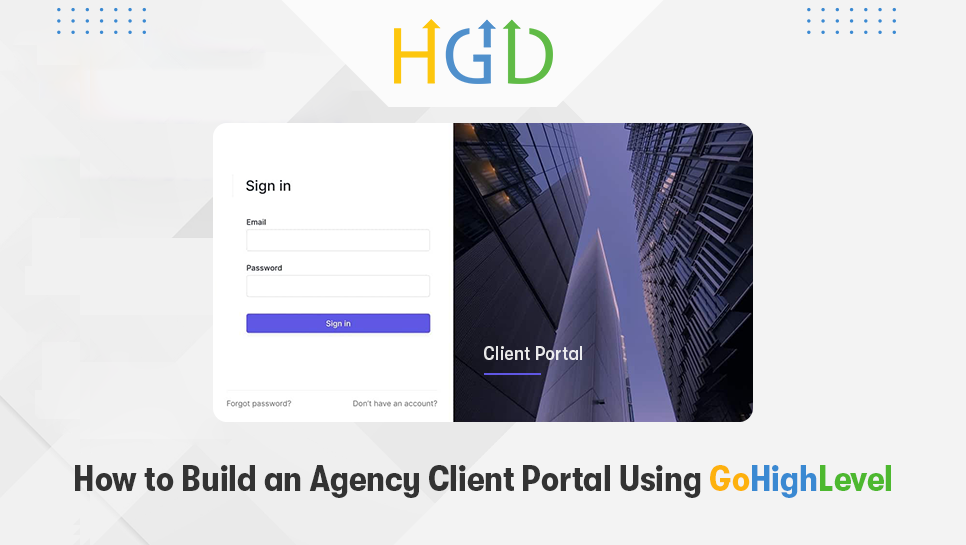
The very first impression of your portal starts at the login screen. GoHighLevel allows full customization. From your logo and brand colors to custom domains and white-labelled UI. By leveraging these personalization features? You'll make sure clients feel like they enter your proprietary ecosystem, not some third-party tool.
You will be able to customize the login URL, add a branded dashboard background, and add welcome messages that reinforce your brand tone. If you're an agency selling premium packages, this is going to be a powerful differentiator in creating confidence and inspiring trust.
Step 3 - Set Up Dashboards for Data Transparency
The most valuable part of an agency client portal is real-time reporting. There is no reason clients should have to wait until the end of the month to see what has happened with their campaigns. GoHighLevel empowers you to build visual dashboards. Using analytics widgets, pipeline views, and conversion tracking tools.
Ads, funnels, email campaigns, sales performance, and lead generation can all have their own dashboards. Every customer can receive a view that is specific to the services you offer. You demonstrate transparent value and make your agency indispensable by providing them with a real-time insight.
Additionally, dashboards cut down on the number of update calls required. Allowing your team to concentrate on execution rather than explanations.

Step 4 - Add a Resource Hub for Onboarding and Support
An outstanding client portal illustrates data, educates and aids. GoHighLevel's Membership feature lets you build structured content hubs. These act as onboarding centers or training libraries. You can add welcome videos, SOPs, frequently asked questions, templates, and tutorials on how to use your services to get the most out of them.
These resource hubs will help avoid repetitive questions, provide clients with self-service opportunities, and ultimately save a lot of time for agencies serving recurring clients or multiple brands. The process also positions your agency as a partner that really cares about clarity and client success.
Step 5 - Integrate Communication and Support Tools
Clients love having one place to reach you, and GoHighLevel makes that easy. You can embed chat widgets, connect email inboxes, assign tickets, or even add forms for support requests. Workflows allow you to automate alerts so that your team gets notified when a client asks for help.
You can keep things consistent, ensuring nothing gets missed by centralizing the communication. The portal eventually takes over as the primary point of contact for all client communications.
Step 6 - Automate Client Updates With Workflows
Delivery is being slowed down by manual updates, which also raise the possibility of mistakes. One of GoHighLevel's superpowers is automation. This you can use to improve your portal experience. Create workflows that will automatically alert clients when campaigns launch, new leads are received, or deliverables are prepared.
Your agency feels quick, well-organised, and dependable. Thanks to automations within your client portal. Additionally, customers value timely updates. Such that eliminate the need for them to request information.
Step 7 - Add Billing, Invoices, and Appointment Scheduling
Administrative tasks are also managed by a well-designed portal. You can make it simple for customers to handle payments. Right within the portal by utilising GoHighLevel's integrated invoicing and Stripe integration. Include your appointment calendar so that customers can schedule calls without having to go back and forth.
A seamless experience that increases client retention and satisfaction is produced. By combining project performance, communication, and billing in one location.
The Conclusion
A client portal is a major differentiator between your agency and the competition. GoHighLevel removes the technology barrier. And you'll have everything you need to create a slick, functional, fully branded experience for your clients. Better communication, stronger trust, and increased retention are some of the major outcomes of having a more scalable agency.
If you are ready to build a professional client portal but want expert help, our team will guide you through the entire setup. Reach out to our agency today and let us craft for you the frictionless customer experience that sets your brand apart. your journey. Contact us today to ensure your transition is smooth, stress-free, and fully optimized for long-term success.
About the Author